 uni-msg
Run WhatsApp from Claude: connecting an AI assistant over MCP
You can now ask an AI assistant “what did the supplier say about the delivery date?” and have it read the actual WhatsApp thread. This is genuinely useful and genuinely risky, and the difference is mostly in how you set it up.
What MCP is, without the jargon
The Model Context Protocol is a standard way for an AI assistant to use outside tools. Instead of copying a conversation into a chat window, the assistant calls a tool that fetches it. Instead of you writing a message and pasting it, the assistant sends it.
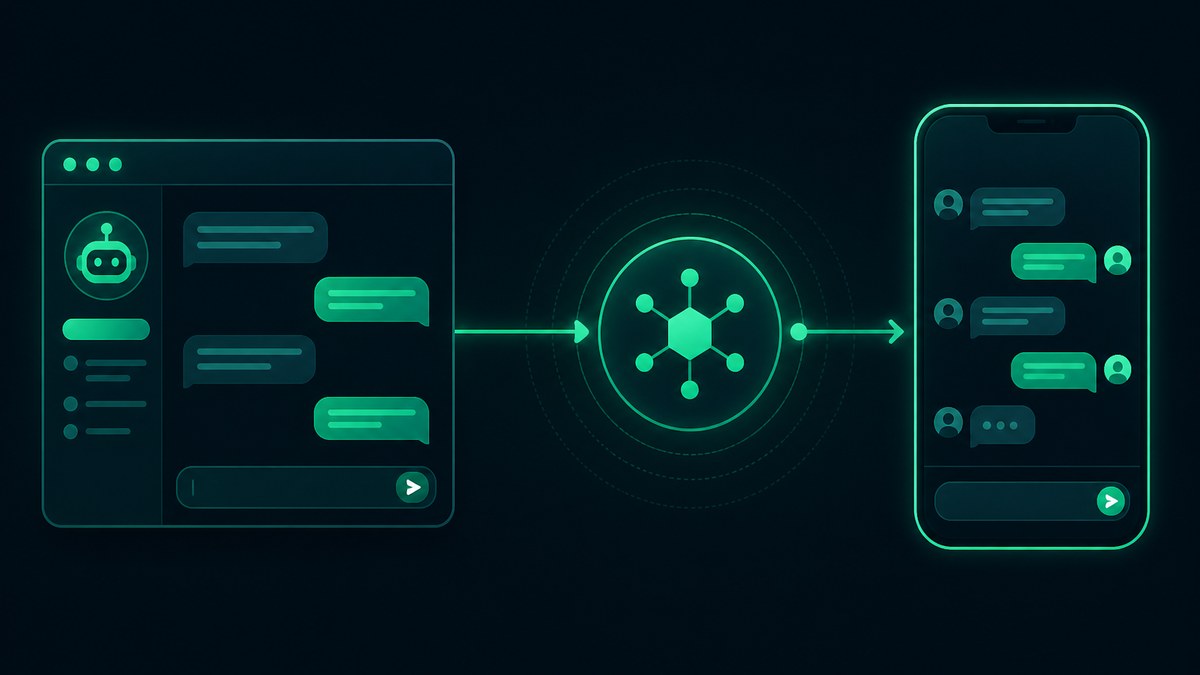
The practical consequence: the assistant stops being something you paste into and becomes something that acts. That is the whole appeal, and also the whole reason to be careful.
What it actually does
uni-msg exposes nine tools. Six of them only read — your devices and their connection status, recent conversations, the history with one contact, your saved contacts, and the groups a device belongs to.
Three of them write: send a text, send media, and create or update a contact. Those three are the ones that deserve thought, because a sent WhatsApp message cannot be recalled.
There is no “delete conversation” tool and no way to remove a device. That is deliberate. A tool that cannot be called cannot be called by mistake.
What it is good at
The reading tools are where the surprise value sits. “Summarise what this customer has asked for over the past month” is a slow, annoying task by hand and a fast one for an assistant that can page through a thread. So is “which of these twelve conversations is still waiting on me?”
Sending is most useful when the message depends on something the assistant just worked out — a summary, a total, a translation — rather than as a bulk tool. For volume, use proper bulk sending with rate limiting, which is designed for it and much safer for your number.
Four rules worth setting first
Use a separate API key. One key per purpose means you can revoke the assistant’s access without breaking your other integrations. Delete it the day you stop using it.
Read what it is about to send. The tool descriptions tell the assistant to confirm recipients first, but that is guidance to a model, not an enforced rule. Treat it the way you would treat a terminal with production access.
Be careful with groups. A misdirected message to one person is awkward. The same message to a 200-person group is a different kind of problem. Group IDs look like ordinary recipients to an assistant.
Remember it is still your number. An assistant sending through an unofficial integration is subject to exactly the same limits as you are. Bursts still look like bursts. Ban prevention does not stop applying because a machine is typing.
Setting it up
Create an API key in the dashboard, then point your client at https://uni-msg.com/mcp with that key as a bearer token. There is nothing to install — no package, no Node, no local process. Restart the client and the tools appear. Ready-to-copy config for Claude Code, Claude Desktop, Cursor, Gemini CLI and ChatGPT is on the AI / MCP page.
The connection uses the same API key as the REST API, so there is no second credential to manage and nothing new to revoke if you already have a key you would rather reuse — though a dedicated one is better.
The honest limitation
An assistant is good at reading a thread and drafting a reply. It is not good at judging whether a message should be sent at all — whether the tone fits the relationship, whether the timing is right, whether the person would rather have a phone call.
Use it to remove the tedious half of the work: finding, reading, summarising, drafting. Keep the judgement.
Create an account and connect your assistant in about two minutes. Or read the API comparison if you are still deciding between official and unofficial integrations.